.svg)



Guild of Guardians Dungeons Is Live: Your Guide to Early Access
Commanders, the gates are open.
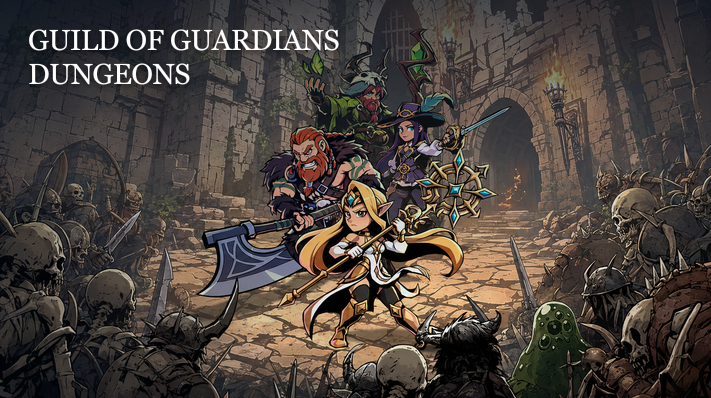
Guild of Guardians Dungeons has arrived in Early Access on the Vanguard Server — playable right now, straight from your browser, no download required. This guide walks you through everything you need to jump in today: connecting your account, choosing your Guardian, and taking your first steps into the new lands.
An Idle Loot Adventure
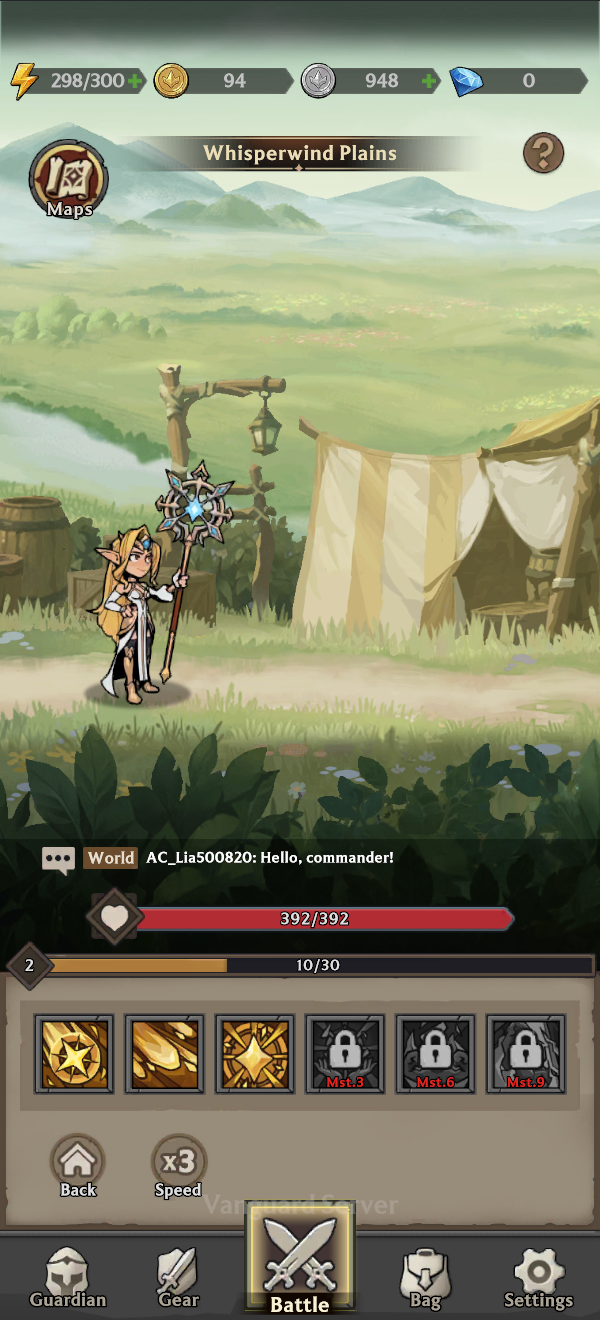
Your Guardian fights automatically, defeating enemies and collecting Gear and resources as the journey continues. Each victory builds Power and opens the way to tougher challenges.
Even while battle is underway, you can manage and strengthen your Guardian at any time. Keep shaping their growth and prepare them for the dangers waiting beyond the current battlefield.
About the Vanguard Server
The Vanguard Server is Early Access for GOG Dungeons — a fully playable build where you can experience new content and features ahead of official release. A few things work differently here than they will at full launch:
- Server-specific progress — Guardians, progress, currencies, and in-game assets remain specific to the server where they were created.
- No purchases — Paid purchases are not available. In-game currencies can instead be earned through events and other in-game activities.
- NFT limitations — The Vanguard Server does not support minting or burning GOG Dungeons NFTs. Gear and items earned here cannot be converted into NFTs.
- Ongoing tuning — Features and balance may continue to change as the Vanguard Server is updated and the overall experience is refined.
Jump In From Your Browser
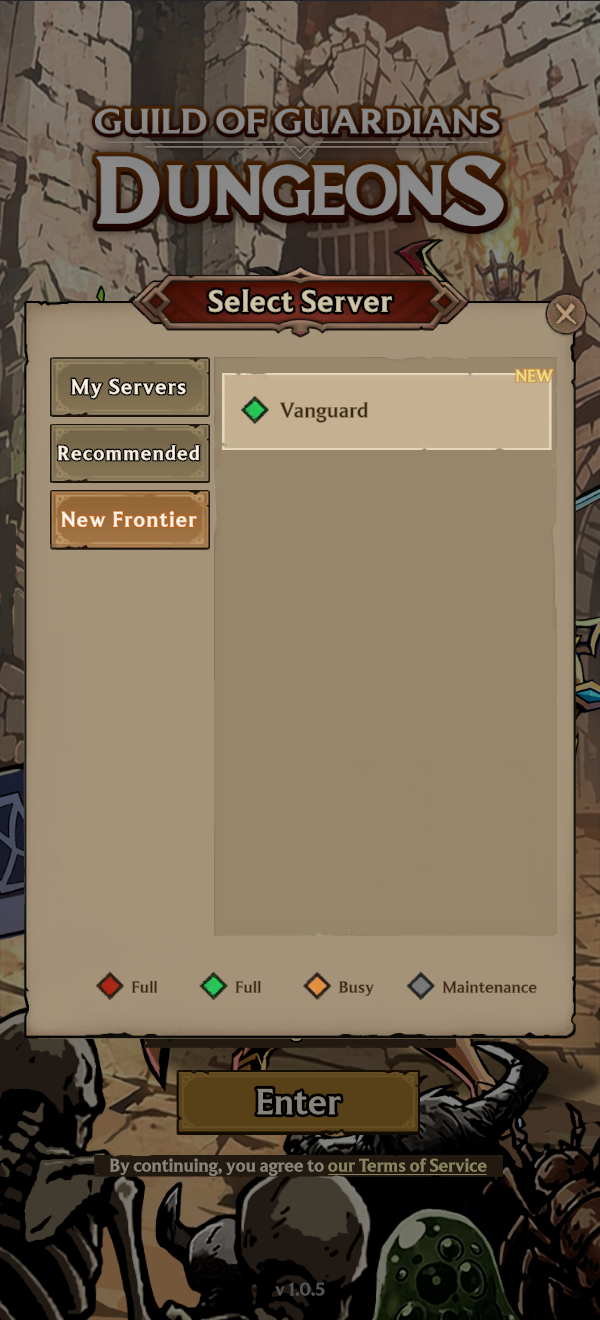
GOG Dungeons runs directly at dungeons.guildofguardians.com — no client, no install. Sign in with Immutable Passport to connect your account, and you're ready to go.
Connect Immutable Passport
Passport sign-in is required to play. It's what saves your Guardian and progress, and it's how Assist recognizes any eligible NFTs you already own. Sign in to an existing Passport or create one in a few seconds, then head straight back into the game.
- Open dungeons.guildofguardians.com in your browser.
- Select Connect Passport.
- Sign in or create an Immutable Passport.
- Return to the game and create your Guardian.
Choose Your Guardian
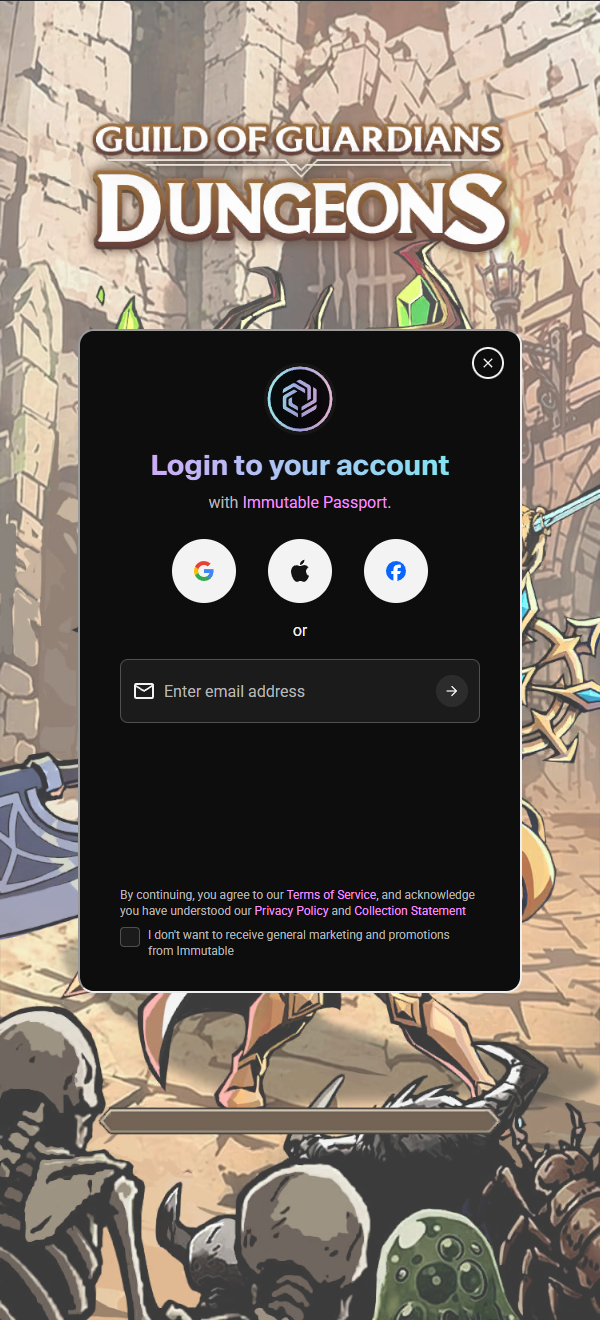
Two classes are ready for you on the Vanguard Server: Warrior and Mage. Myra and Dolvir hold the front line as Warriors, while Lia and Ivar command the battlefield from range as Mages. Pick the one who calls to you and begin your journey through the new lands.
Venture Farther, Face Greater Dangers
Venture Into New Lands
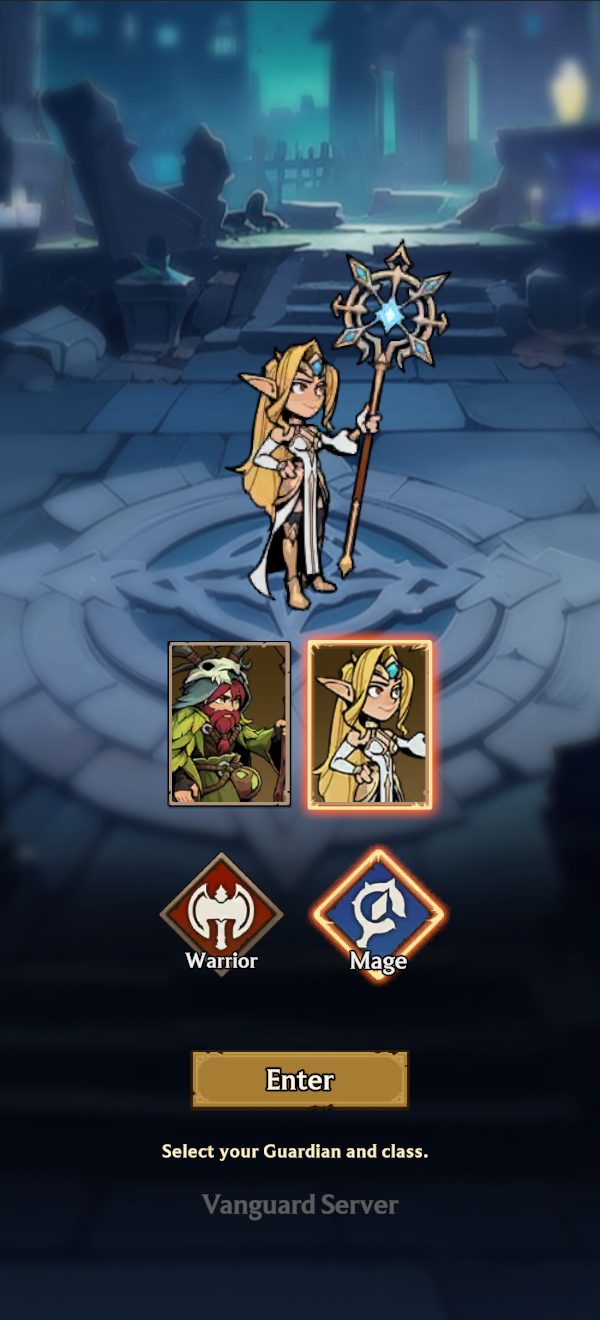
Continue your journey across new lands and defeat the monsters standing in your way. Enemies grow stronger as you advance, and every new region brings a greater challenge.
Keep pushing forward to unlock more dangerous regions, face tougher opposition, and discover what lies beyond the next battlefield.
Challenge Dangerous Dungeons
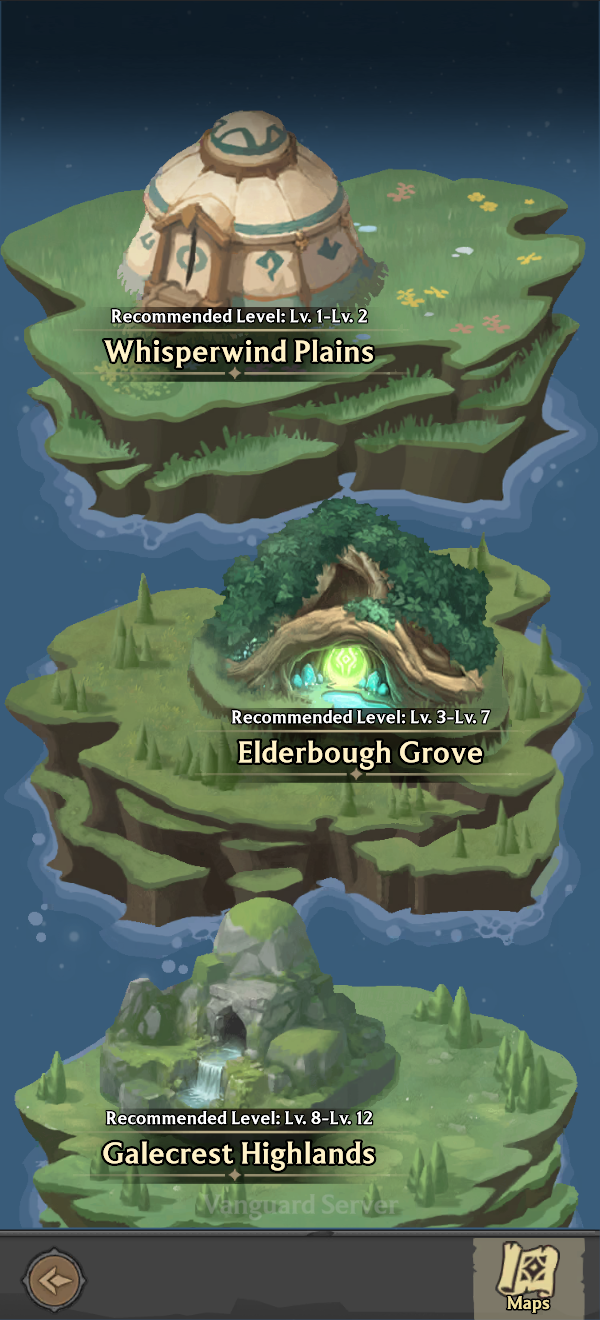
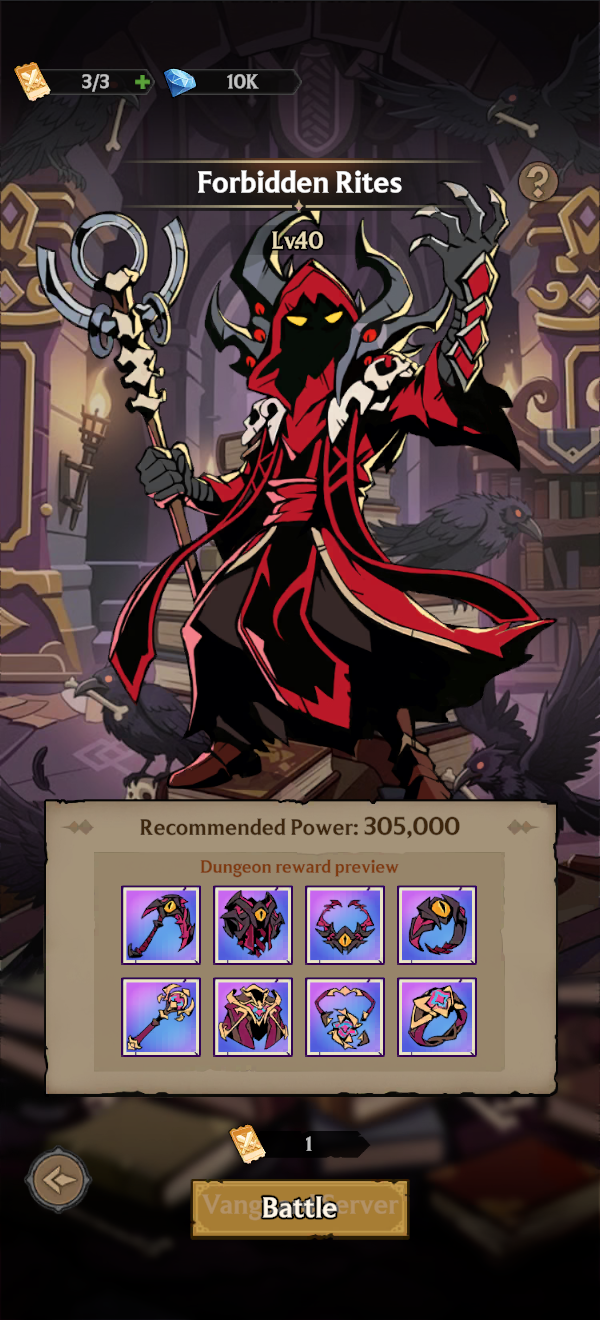
Only Guardians who have grown strong enough can brave the dungeons. Battles inside are more dangerous than encounters across the new lands, so careful preparation is essential before entering.
Venture deeper into each dungeon, overcome the enemies within, and confront the powerful Boss waiting at its heart.
Strengthen Your Guardian
Equip for the Journey Ahead
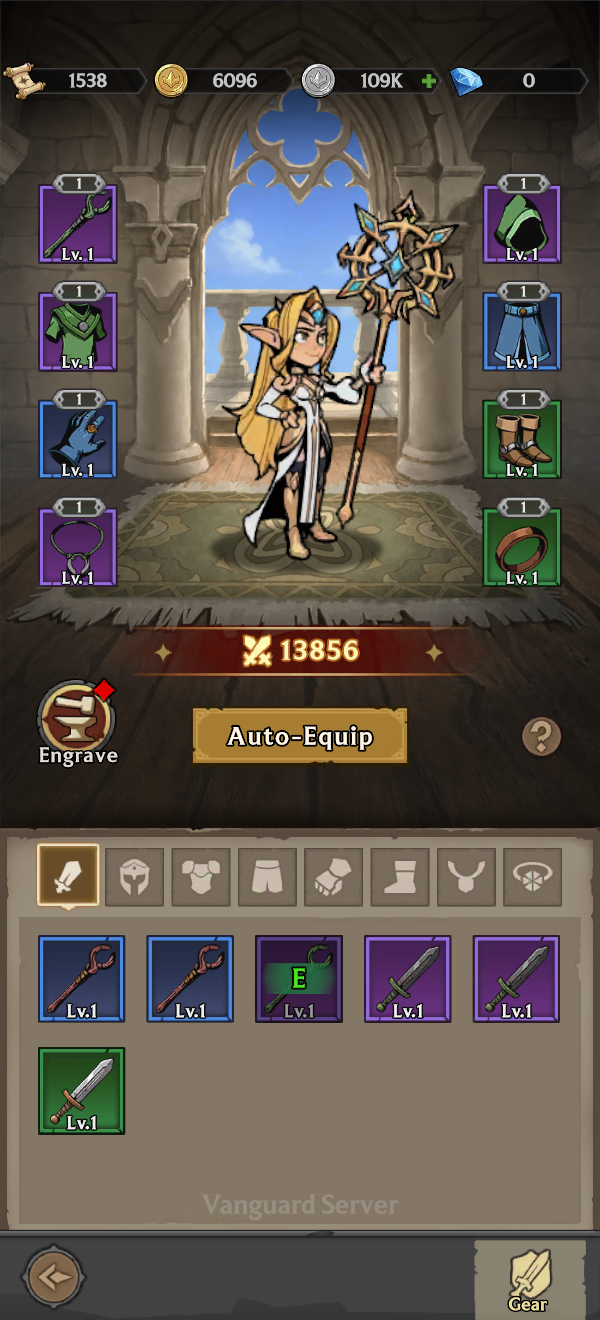
A wide variety of Gear awaits throughout your adventure. Every new discovery gives you another way to prepare your Guardian for the challenges on the road ahead.
Every Guardian can equip Gear across eight different slots. Collect stronger Gear, raise your Guardian's Power, and gain the strength needed to overcome increasingly difficult battles.
Raise Your Mastery
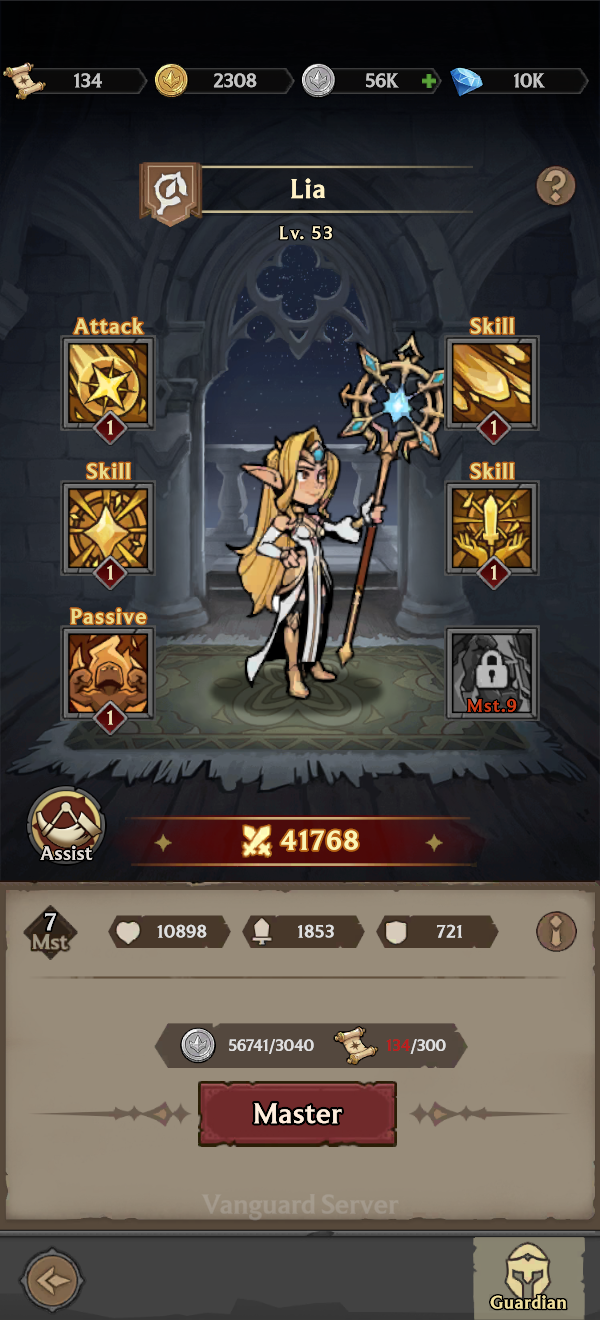
As your Guardian continues to train and grow, they will reach new levels of strength and become better prepared for the greater challenges waiting ahead.
Raise Mastery to improve your Guardian's attributes. At key Mastery milestones, your Guardian will unlock new Skills and increase the levels of Skills they already know.
Empower Your Gear Slots
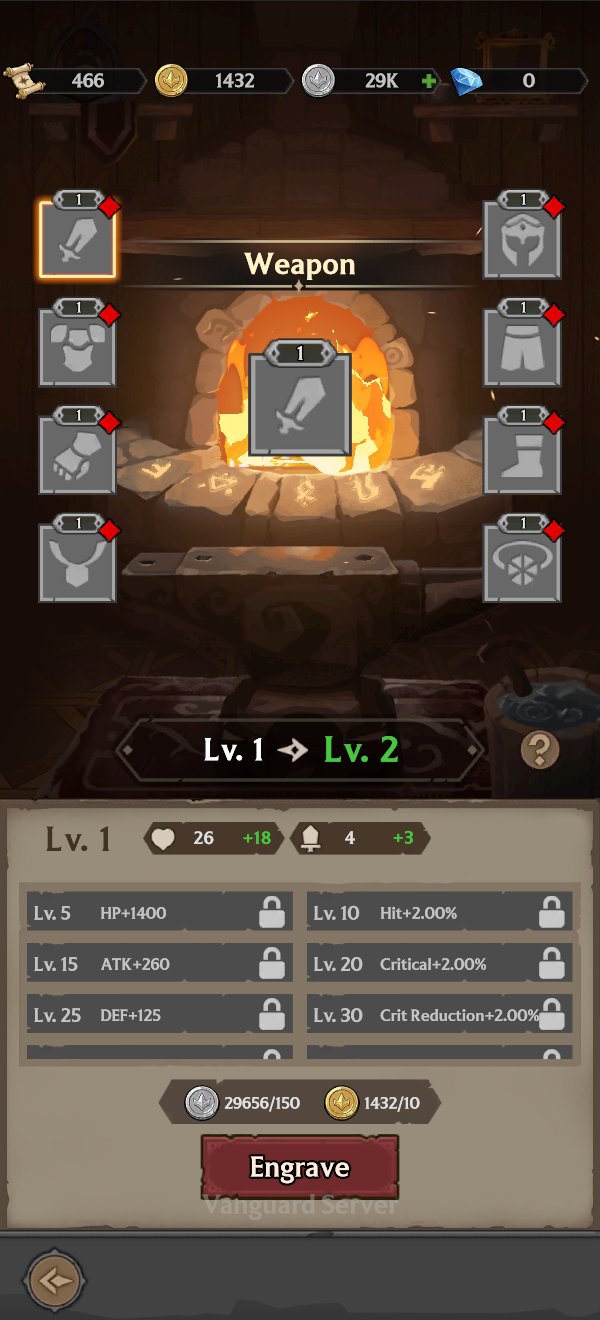
Use Engrave to draw out the potential of each Gear slot, granting your Guardian additional attributes that will support them throughout the journey ahead.
Engrave progress remains with the slot even when its equipped Gear is replaced, allowing every new piece of Gear equipped in that slot to benefit from the upgrades you have already made.
Empower Your Guardian with Assist
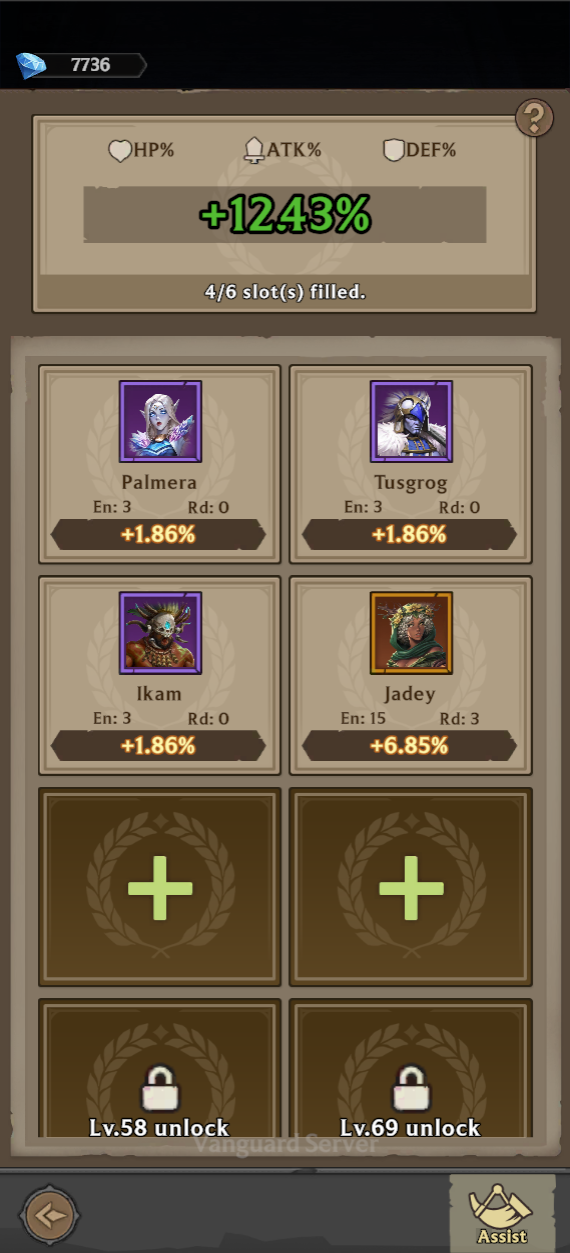
Assist lets you use eligible NFT Guardian assets from Guild of Guardians (GOG) to provide additional attribute bonuses to your in-game Guardian.
There are 10 Assist slots in total, each holding one eligible NFT. Slots unlock as your Guardian levels up, so by level 100 you'll have all 10 open — and the stat boosts of up to 10 NFTs supporting you at once.
Bring part of your GOG collection into the adventure and give your Guardian extra support as they journey across new lands and face increasingly dangerous battles.
Your Adventure Starts Now
Choose your Guardian, dive into your first battle, and see how far your Power can take you.